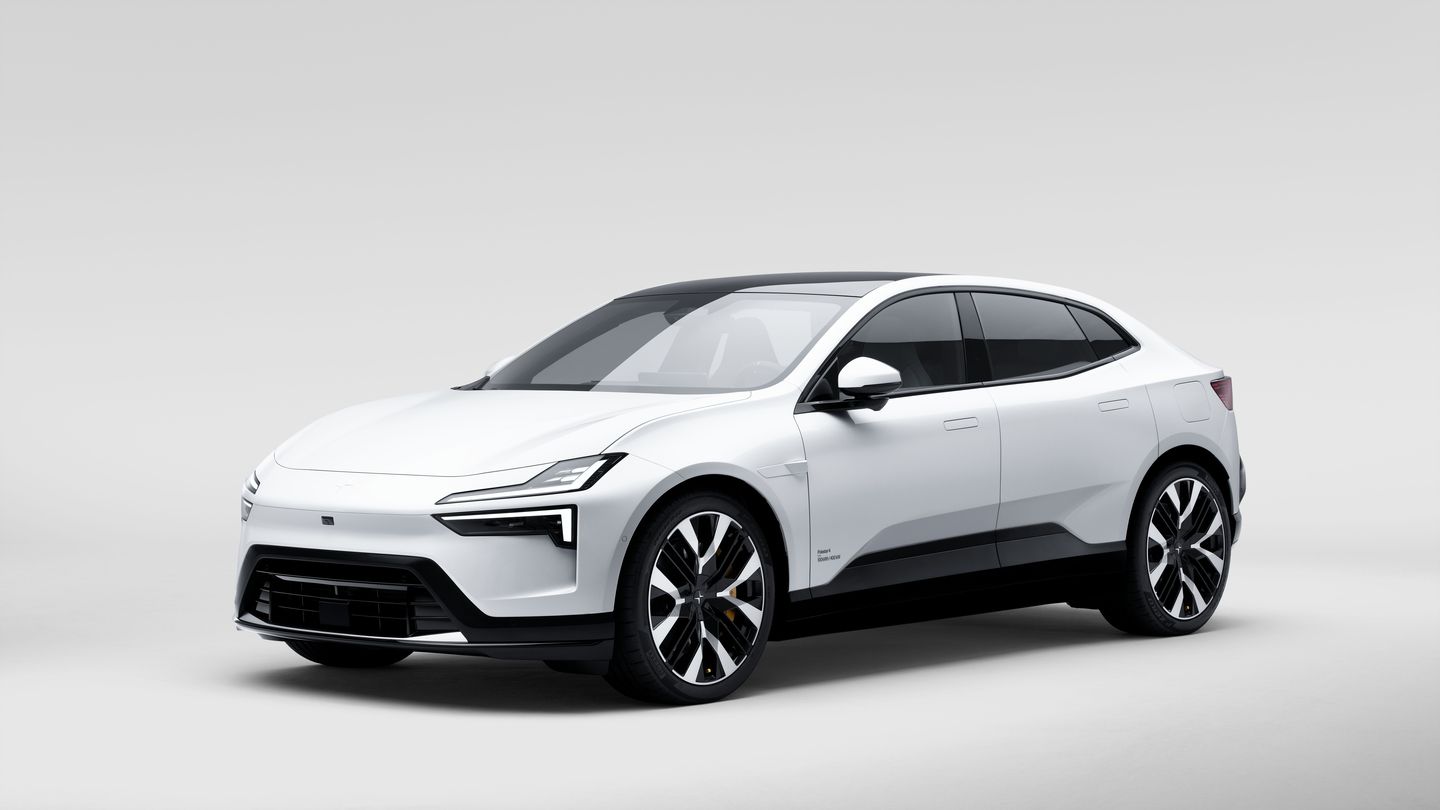
A More Refined Ride: What Changes on the 2027 Polestar 4 Coupe
The 2027 Polestar 4 coupe arrives in Quebec with a sharper brief: keep the shape and the cabin, and fix how it feels on the road. The update is a...
Read more
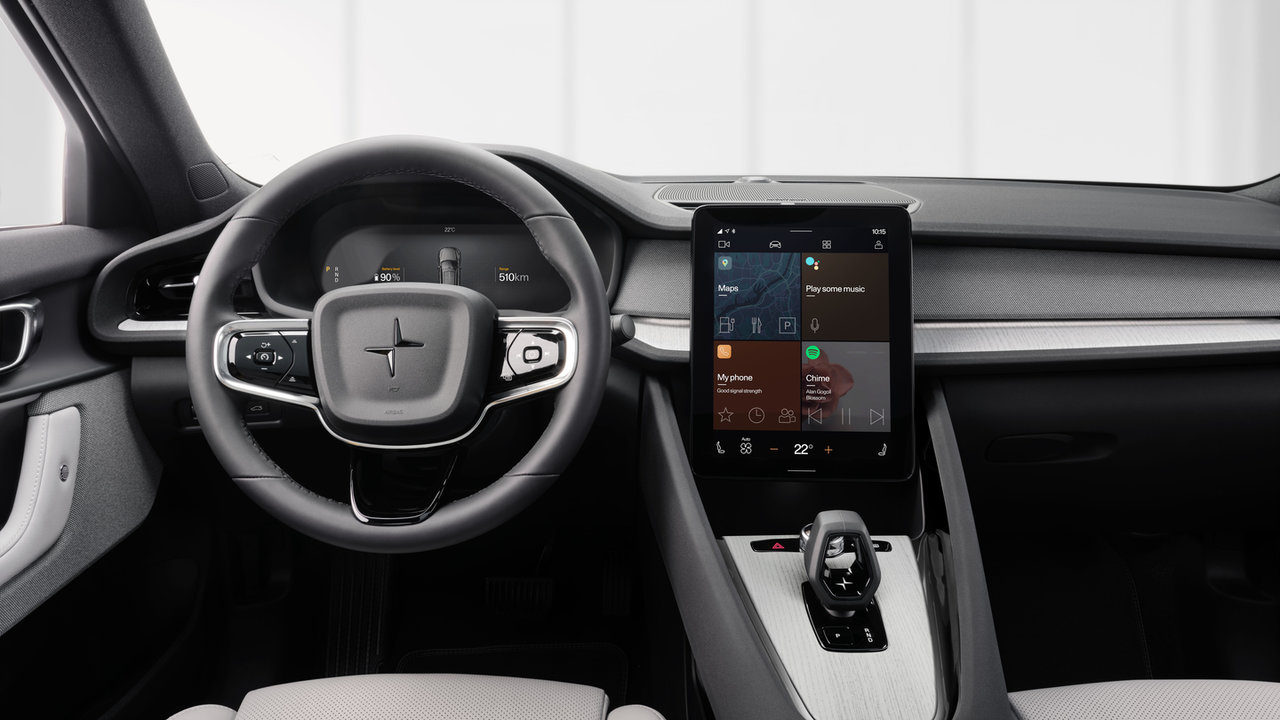
Quebec commuters juggle a lot before the car even starts moving: traffic updates, a coffee order, a text back to the office. The 2027 Polestar 2 builds its cockpit around cutting that juggling down, not adding another screen to manage.
This is a look at what actually sits behind that screen, how it works day to day, and why it matters once the novelty wears off and it’s just your daily drive.
The 2027 Polestar 2 runs on Android Automotive OS with Google built into the software from the ground up, wrapped in a Polestar-developed interface. That’s different from a system that simply mirrors your phone. The car’s own software handles navigation, media, and voice commands natively.
The cockpit uses two screens with distinct jobs. A 12.3-inch driver display sits behind the wheel showing speed, range, and driving data. An 11.2-inch centre display with anti-reflective coating handles navigation, media, and settings. Splitting the information this way means you’re not hunting through one crowded screen for a speed reading or a turn instruction.
Because Google is built in rather than bolted on, Google Maps, Google Assistant, and Gemini run as native parts of the driving experience, not as an app you open separately. Say a destination or ask for a detour and the response comes through the car’s own voice system, not your phone’s.
Phone integration still works two ways: wired Apple CarPlay and Android Auto come standard for anyone who prefers to run their own phone’s interface, while the built-in Google environment covers the rest without needing a phone hooked up at all. A 15 W wireless charging pad plus four USB-C ports (two front, two rear) keep phones charged either way.
Connectivity runs on Bluetooth, Wi-Fi tethering, and 4G, so the car can pull live data on its own rather than relying entirely on a paired phone’s signal. Every 2027 Polestar 2 also includes standard connected services: over-the-air software updates, Polestar Connect, automatic SOS calling, and the Polestar app for remote interactions.
|
Cockpit Element |
Spec |
|
Driver display |
12.3-inch LCD |
|
Centre display |
11.2-inch LCD, anti-reflective |
|
Software |
Android Automotive OS with Google built-in |
|
Phone integration |
Wired Apple CarPlay & Android Auto (standard) |
|
Connectivity |
Bluetooth, Wi-Fi tethering, 4G |
|
Driver profiles |
Up to 6 |

A dual-screen layout pays off most in city traffic, where a quick glance at the driver display for speed or range beats scanning a single shared screen while merging. On longer stretches between towns, the centre display’s route information and live rerouting matter more, since a closed road or a stalled vehicle ahead means the built-in Google Maps engine can suggest a detour without you pulling out a phone.
Connected Services Plus, included for the first 36 months, layers in Google Maps, Gemini, Spotify, YouTube, Waze, Tidal, Prime Video, and browser access through Google Play. That turns the cabin into more than a navigation tool: music and podcasts for the drive, video and games for whoever’s charging at a stop, all without leaning on someone’s data plan.
With the Plus pack, the optional Harman Kardon Premium Sound system adds 13 speakers, including an air-ventilated subwoofer, for calls and music that hold up over road noise. The Plus pack also adds a digital key, letting a household share vehicle access through a phone instead of a spare fob.
Up to six driver profiles mean the system remembers seat position, climate settings, and navigation history for each person who drives the car. In a household sharing one Polestar 2, that saves the small, repeated friction of resetting preferences every time someone else drives it to work.
Drivers doing the same commute five days a week benefit from that continuity most directly. Once the system has learned a regular route and preferred settings, the daily drive requires less setup and less looking down at a screen. Occasional or shared drivers get the same personalization without needing to manage it themselves.
The standard connected services also extend past the drive itself. Checking a vehicle’s status through the Polestar app before leaving the house, or confirming it’s locked after parking downtown, are the kind of small before-and-after tasks that add up over a commuting week.
The 2027 Polestar 2 pairs a Google-built software environment with a dual-screen layout designed to keep navigation, media, and phone integration out of each other’s way during a daily commute.
Visit Polestar Montréal in Montreal to sit behind both screens, try the voice controls, and compare the wired phone integration against the built-in Google experience for yourself.
A More Refined Ride: What Changes on the 2027 Polestar 4 Coupe
The 2027 Polestar 4 coupe arrives in Quebec with a sharper brief: keep the shape and the cabin, and fix how it feels on the road. The update is a...
Read more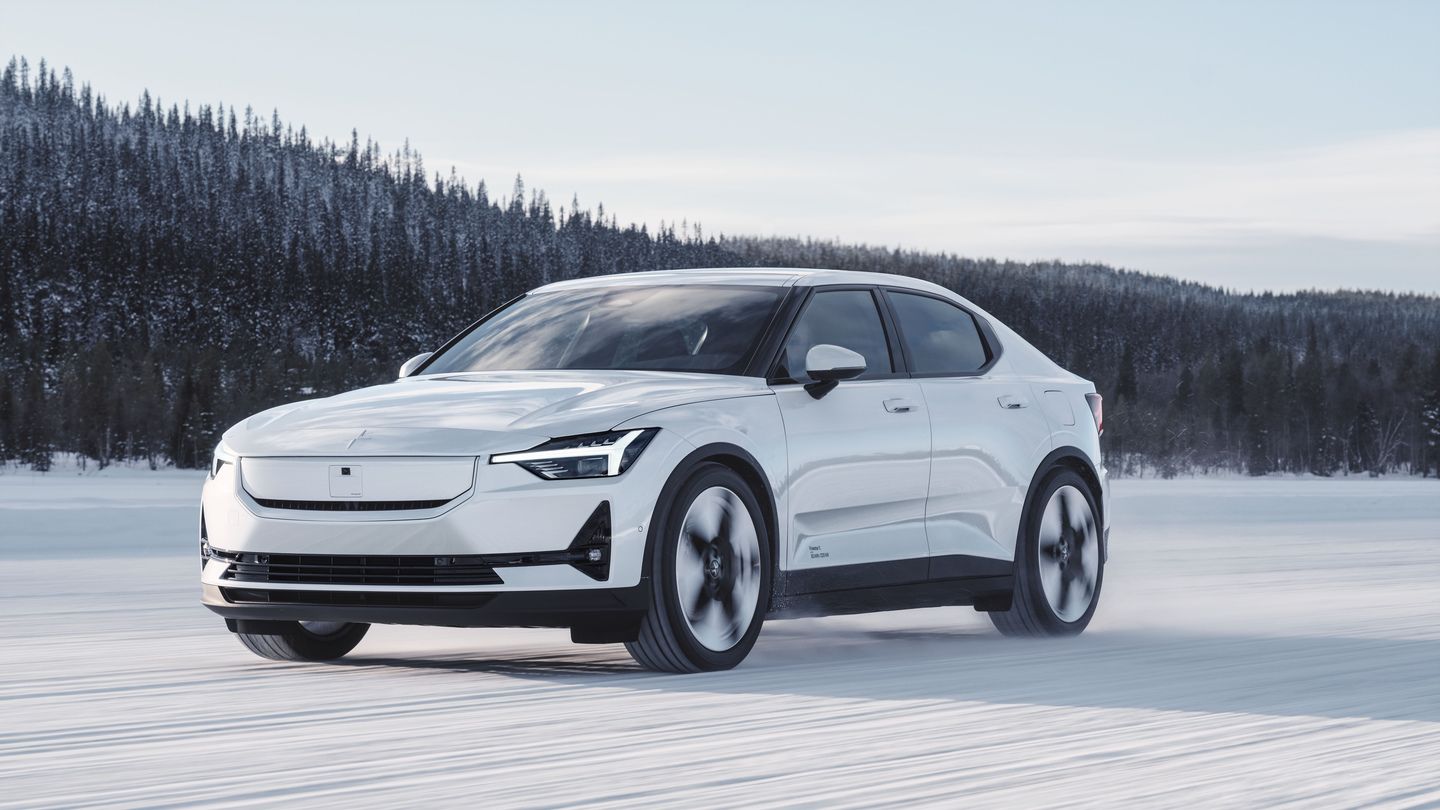
What to Check Before Your First Quebec Winter in a 2027 Polestar 2
The 2027 Polestar 2 is a dual-motor, all-wheel-drive fastback, and Quebec winters put its strengths to work. Heating, charging and visibility all...
Read more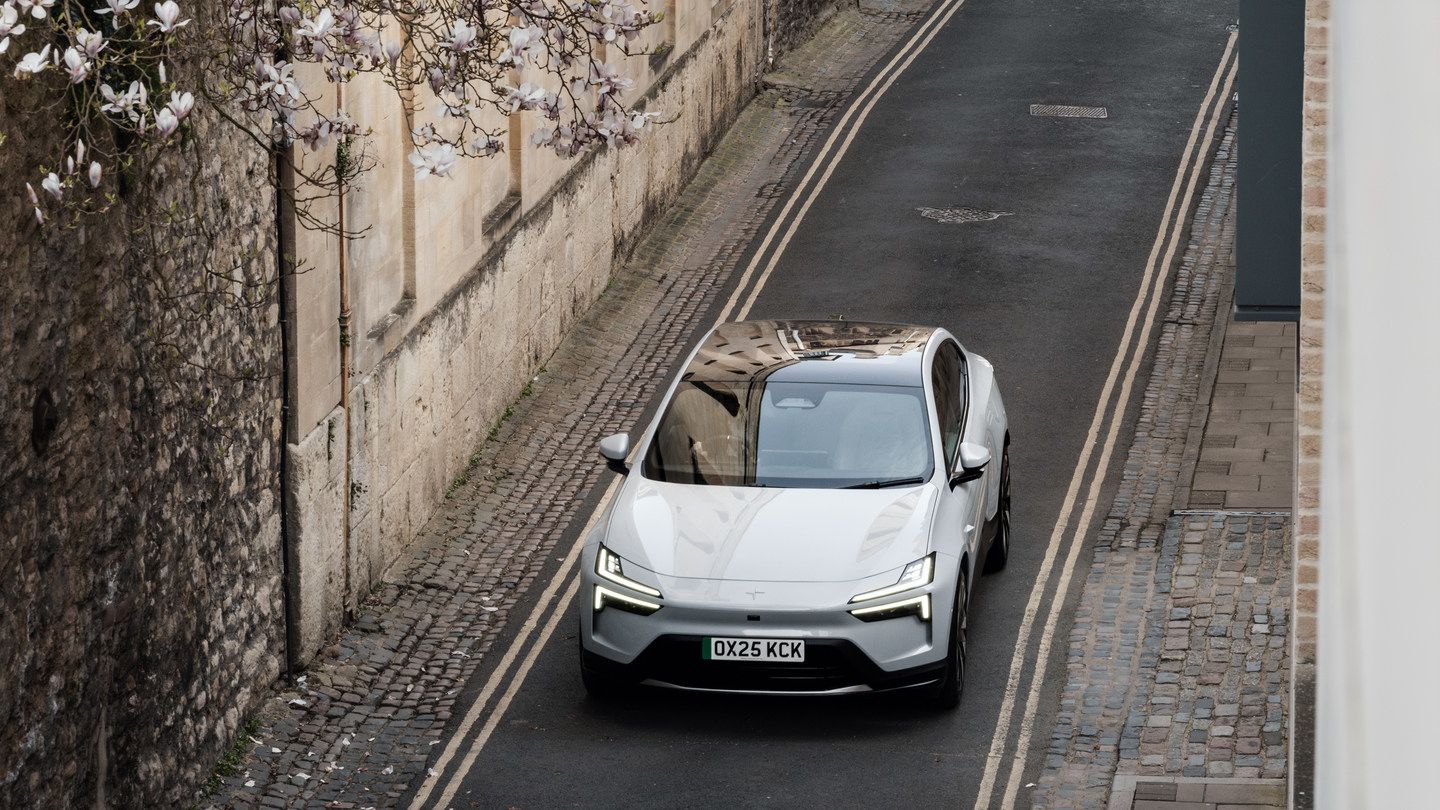
Rear Motor or Dual Motor: Which 2027 Polestar 4 Coupe Suits Year-Round Driving?
A 2027 Polestar 4 coupe comes down to one early choice: one motor or two. Both share the same 100 kWh battery, the same 15.4-inch screen and the...
Read morePowered and developed by
